Book a clean
with Sweeple
Enter your property, choose the tasks and review the price. Here are the steps planned for the app.
Enter your address
Enter the property address. Cleaning services and times depend on your area and available Cleaners.
 Cleaning address
Your house
Your condo
Your short-term rental
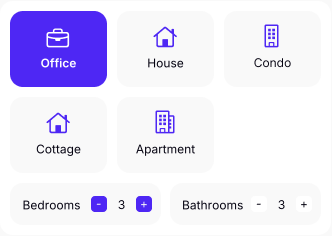
Choose your property type
Choose the property type and the number of rooms to clean.
Choose your cleaning service
Compare regular cleaning, deep cleaning and other services, then add your extras.
Choose a time
Choose from the available times, then select how often you need a clean.
Review and confirm
Review the quote and instructions, then confirm your request. The visit details stay in the app.
Identity
verification.
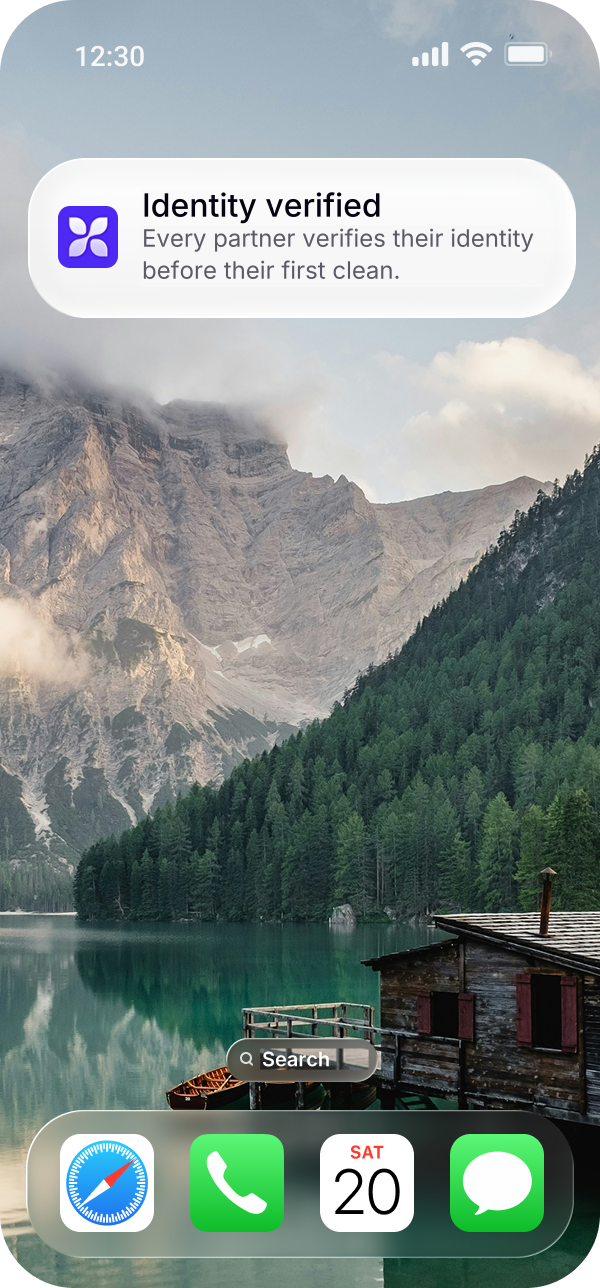
Cleaners verify their identity before they can accept a cleaning job.
Background check
A background check is required to complete the application.
Insurance verification
Proof of professional liability insurance is requested and reviewed.
Application review
Required documents are reviewed before access to cleaning offers.
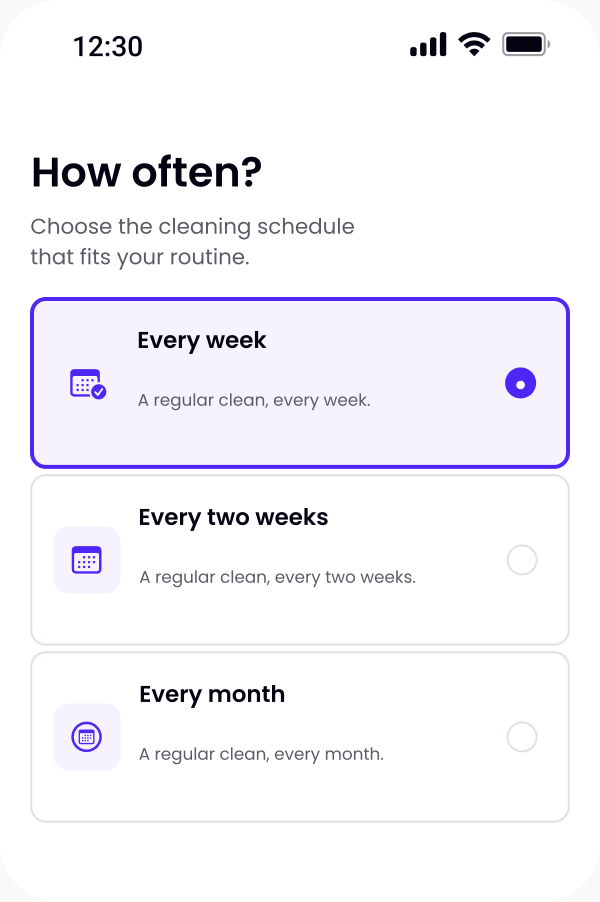
Choose
how often.
Book once, weekly, every two weeks or monthly—choose what works for you. Each visit must be confirmed based on availability.
Ask for the same Cleaner.
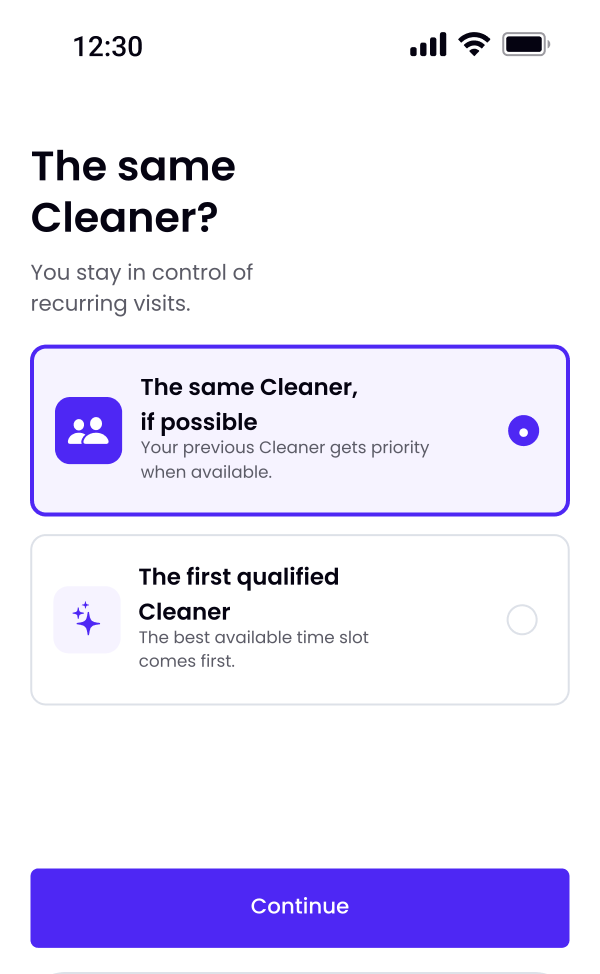
Want to book
the same Cleaner?
Add that preference to your request. Booking the same Cleaner depends on their availability; your instructions stay with the property.
Check the property, tasks and time before confirming. Any change to the tasks or price requires your approval.
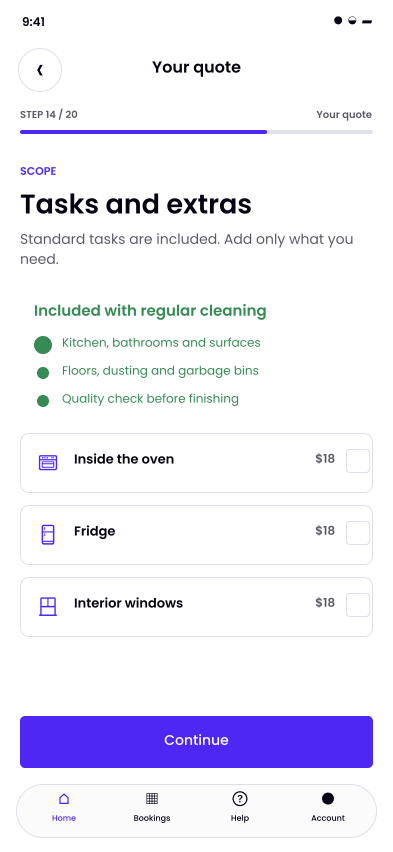
Choose the tasks
and extras.
Describe your property and what you want cleaned. These details help prepare the quote and the visit.
- Choose the rooms, cleaning service and extras.
- Tell us about supplies, pets and delicate surfaces.
- Check the planned tasks and price before confirming.
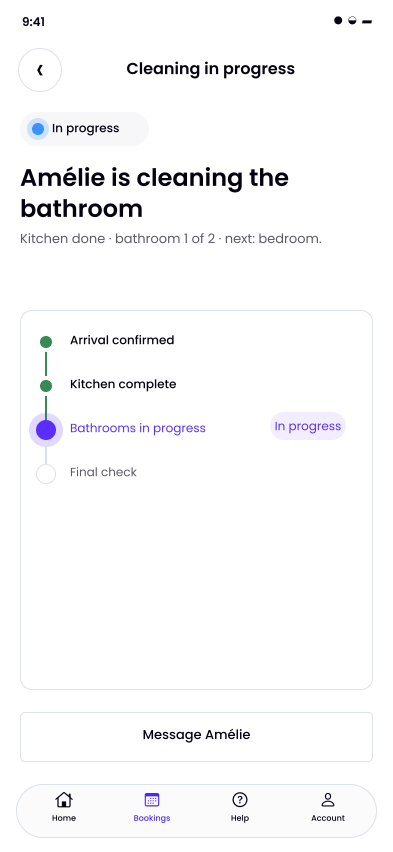
Follow your clean
in the app.
Your booking brings together the instructions, messages and visit updates.
Something changes during the visit? Your Cleaner sends you the revised tasks and price. You choose whether to accept or decline before they continue.
After the visit, review the completed tasks and service details, then leave your rating.
Answers to your questionsSave
your properties.
Keep each property’s address and details in the app for future requests.
For each request, specify the cleaning, time and instructions. For a rental, add any linen and laundry needs.
You can request the same Cleaner for a future visit, subject to availability.
Plan a short-term rental cleanFrequently asked
questions
01.How does booking work?
02.How do I find out the cleaning price?
03.Are the apps available yet?
Want to try
Sweeple?
The app is being prepared. See what is planned for launch.